






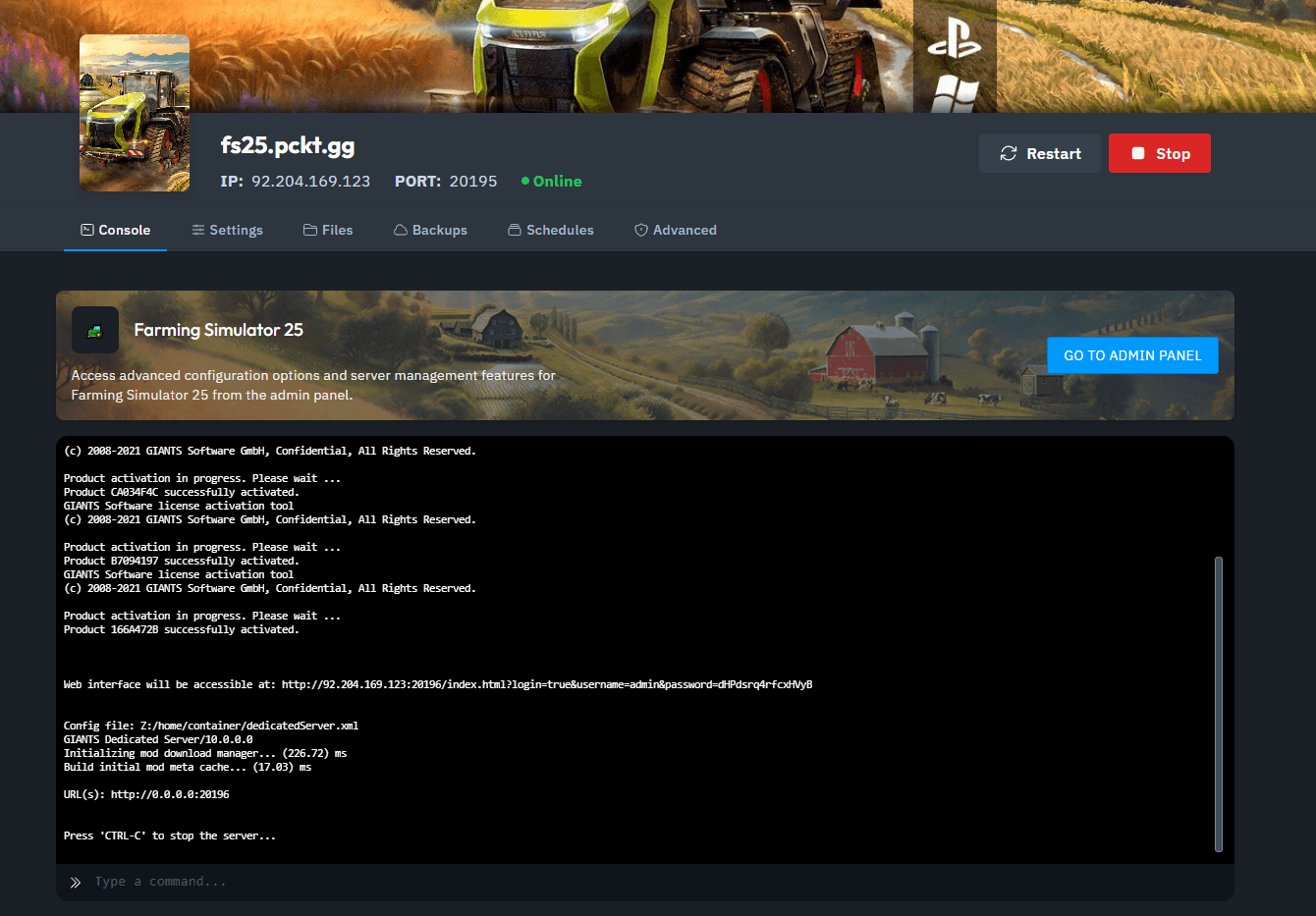
1. Access the Server Console: Open your xREALM Dashboard and locate the Server Console.
2. Open the Web Interface: Click the GO TO ADMIN PANEL button, which directs you to the Farming Simulator Web Interface.
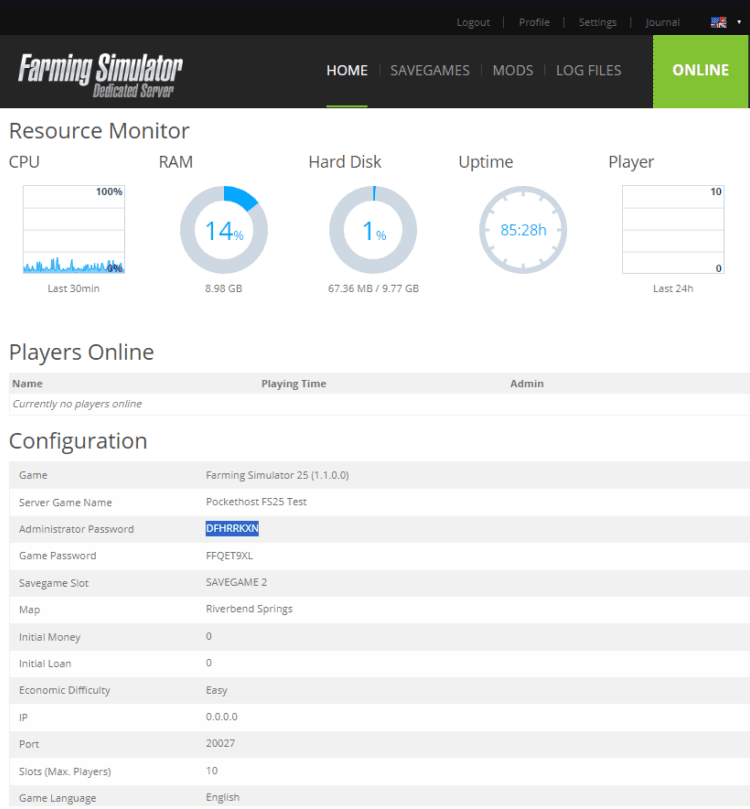
3. Copy Your Admin Password: In the Home tab of the Web Interface, find and copy your admin password.
4. Connect to Your Server: Join your Farming Simulator 25 server.
5. Open the Multiplayer Menu: Press ESC to access the menu, then go to the Multiplayer Overview tab (represented by a barn icon with three people).
.png&w=2048&q=75)
6. Log In as Admin: Press Spacebar or click Log in as Admin.
.png&w=2048&q=75)
7. Enter Your Admin Password: Paste or type in your admin password and press Enter.
You now have admin privileges on your Farming Simulator 25 server. Enjoy managing your farm and enhancing your gameplay!