


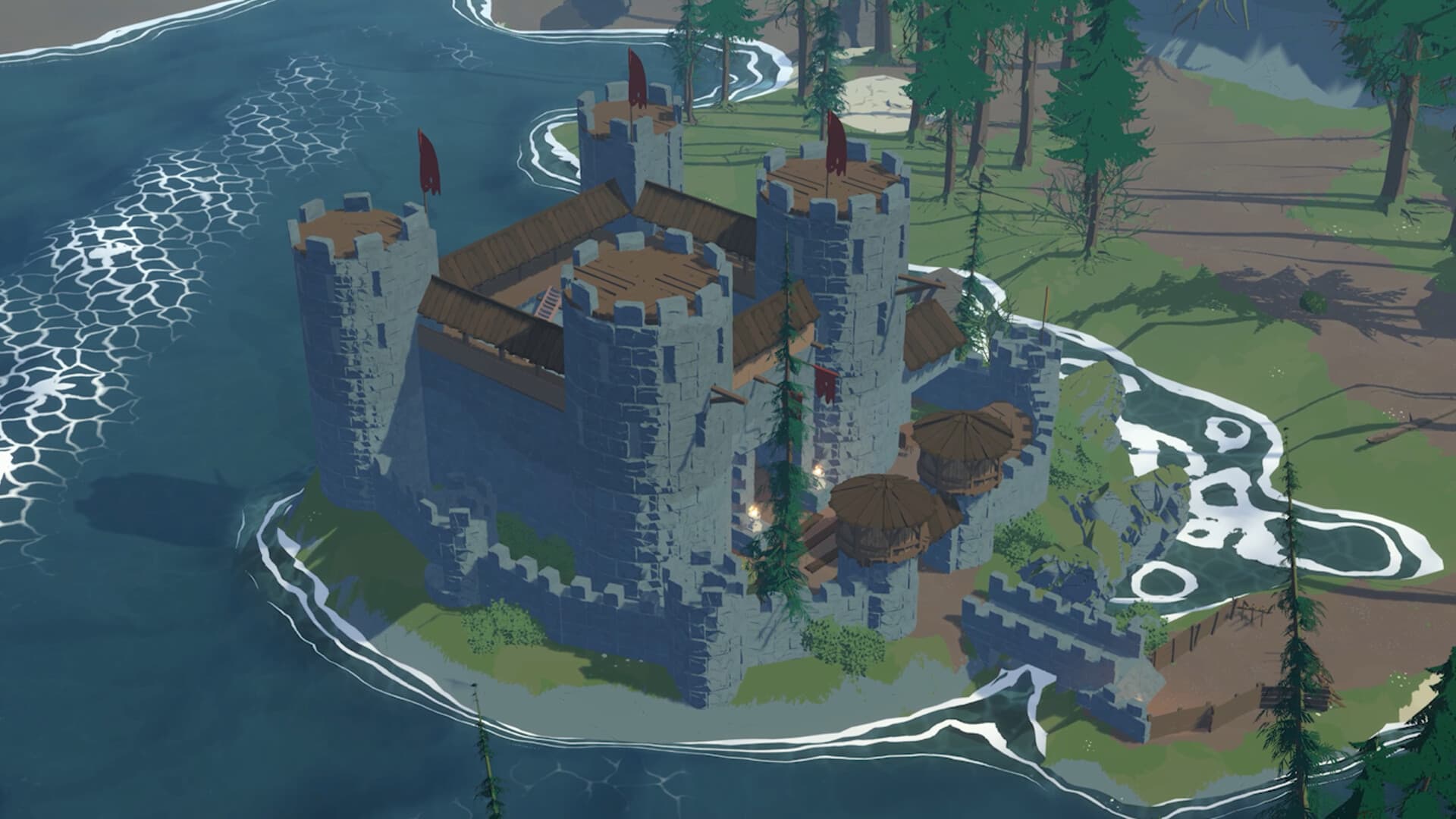
All Settings at a Glance
On your Stormforge server at xREALM, you can set 8 options yourself: from combat difficulty and death penalty to roaming storms.
- World Name: The name of your world when it's created. Changing it does not reset the world.
- World Seed: The basis for world generation. Only applies to new worlds.
- Combat Difficulty:
Easy,Casual,NormalorHard. Applies to existing worlds after a restart. - Enemy Health Scale:
0.5to1.5, default1.0. Applies to existing worlds after a restart. - Death Penalty:
KeepAll,DropRecoverableorLoseAll. Applies to existing worlds after a restart. - Moving Storms Difficulty:
NormalorOff. Applies to existing worlds after a restart. - Pause When Empty: Pauses the world while nobody is online. On or off.
- Auto Update: Restarts the server as soon as a new version is available. On or off.
Tip: Restart the server after every change. That way, you can be sure the new values are active.
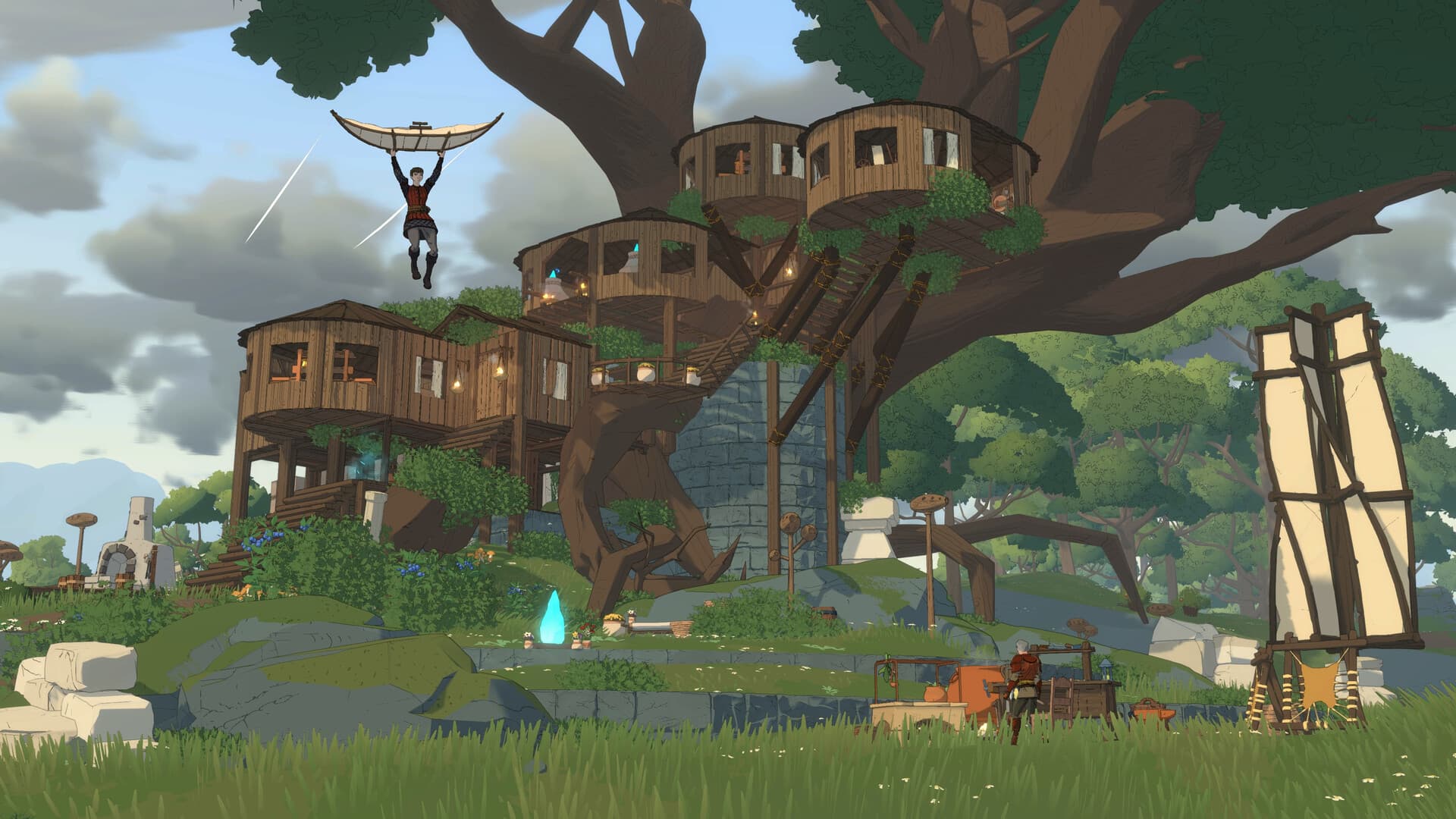
World: Name and Seed
You set the world name and seed when the world is created. Changing them later leaves your existing world untouched.
- World Name: The name of your world. You can change it without resetting the world.
- World Seed: Stormforge generates the map of Sorana from the seed. A new seed doesn't rebuild an existing world.
Tip: Want a new map? Then you need a new world. Changing the seed alone isn't enough.
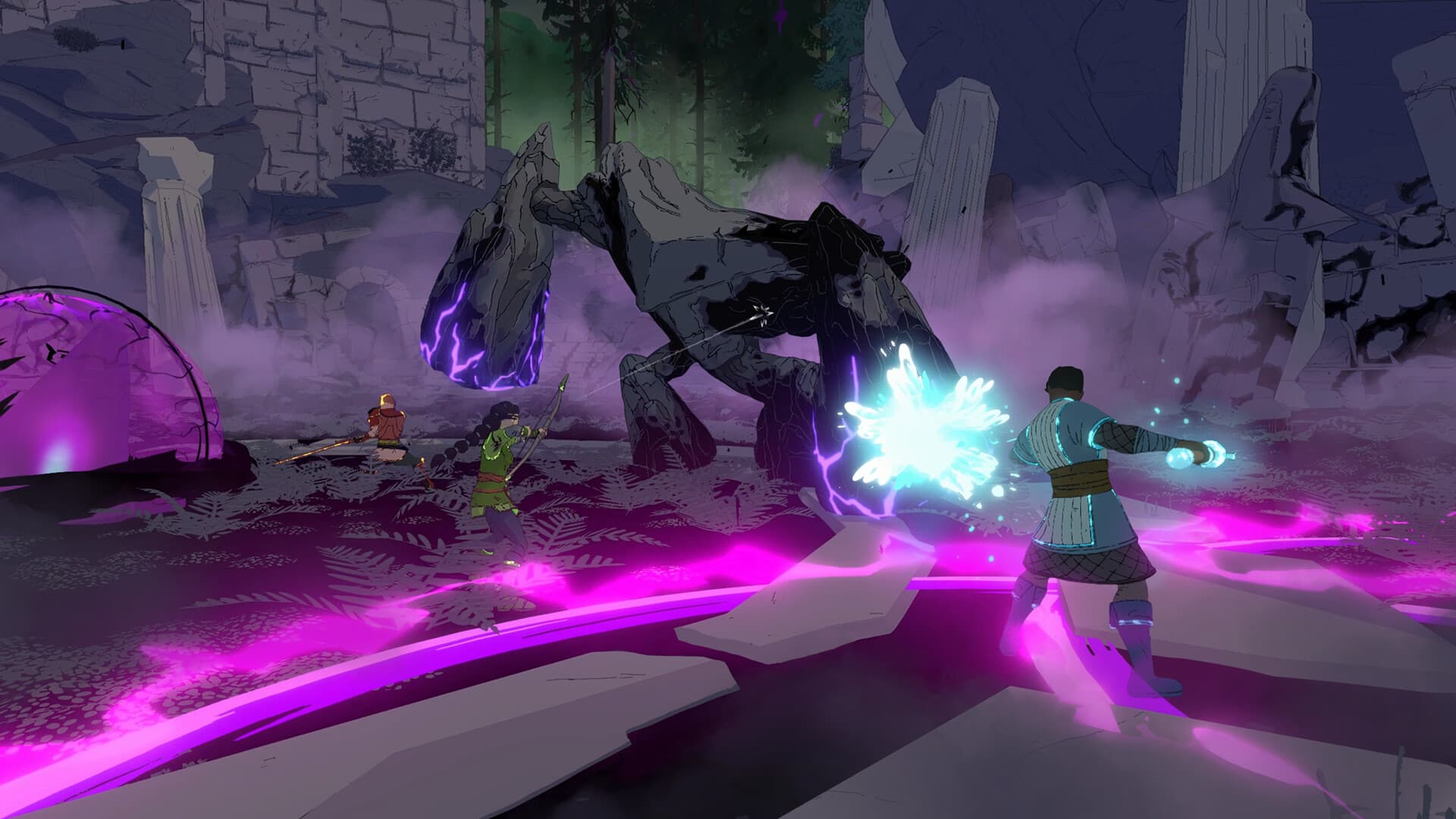
Difficulty: Combat, Enemies and Death Penalty
Three settings decide how tough Stormforge gets on your server. You can change all three for a running world too; they take effect after a restart.
Combat Difficulty sets how hard combat is. There are four levels: Easy, Casual, Normal and Hard.
Enemy Health Scale scales enemy health in steps of 0.1:
0.5: Enemies have half their health1.0: Normal1.5: Enemies have 50% more health
Death Penalty decides what happens to your items when you die:
KeepAll: You keep all your items. Good for relaxed sessions and building worlds.DropRecoverable: Your items drop to the ground and you can pick them up again. Good for a classic survival feel.LoseAll: Your items are gone. Good for hardcore groups.
Our advice: Combine the settings. If you like challenging fights but don't want to lose everything, go for Hard with DropRecoverable.
Storms: Roaming Storms On or Off
With Moving Storms Difficulty, you decide whether roaming storms sweep across the map. The setting also applies to existing worlds after a restart.
Normal: Roaming storms are active. They can hit your base too, so you need the protection of the crystal pillar.Off: Roaming storms are disabled.
Our advice: Leave storms on Normal. They're the core of Stormforge. Off is worth it for pure building worlds or if you want to explore in peace. Part two of our guide series explains how to protect yourself from storms.
Server Operation: Pause and Auto Update
Two settings control how your server runs while you're not playing.
- Pause When Empty: When nobody is connected, the simulation pauses. The server itself keeps running, so you can jump back in at any time. Your world stays exactly as you left it.
- Auto Update: The server restarts automatically as soon as a new version of Stormforge is available. Updates arrive regularly during Early Access, and this keeps your server in step with the game.
Tip: Leave Auto Update on. That way, your server always runs the latest version of Stormforge.
Ready to set up your own world? Rent your Stormforge server at xREALM and adjust every option directly in your dashboard.
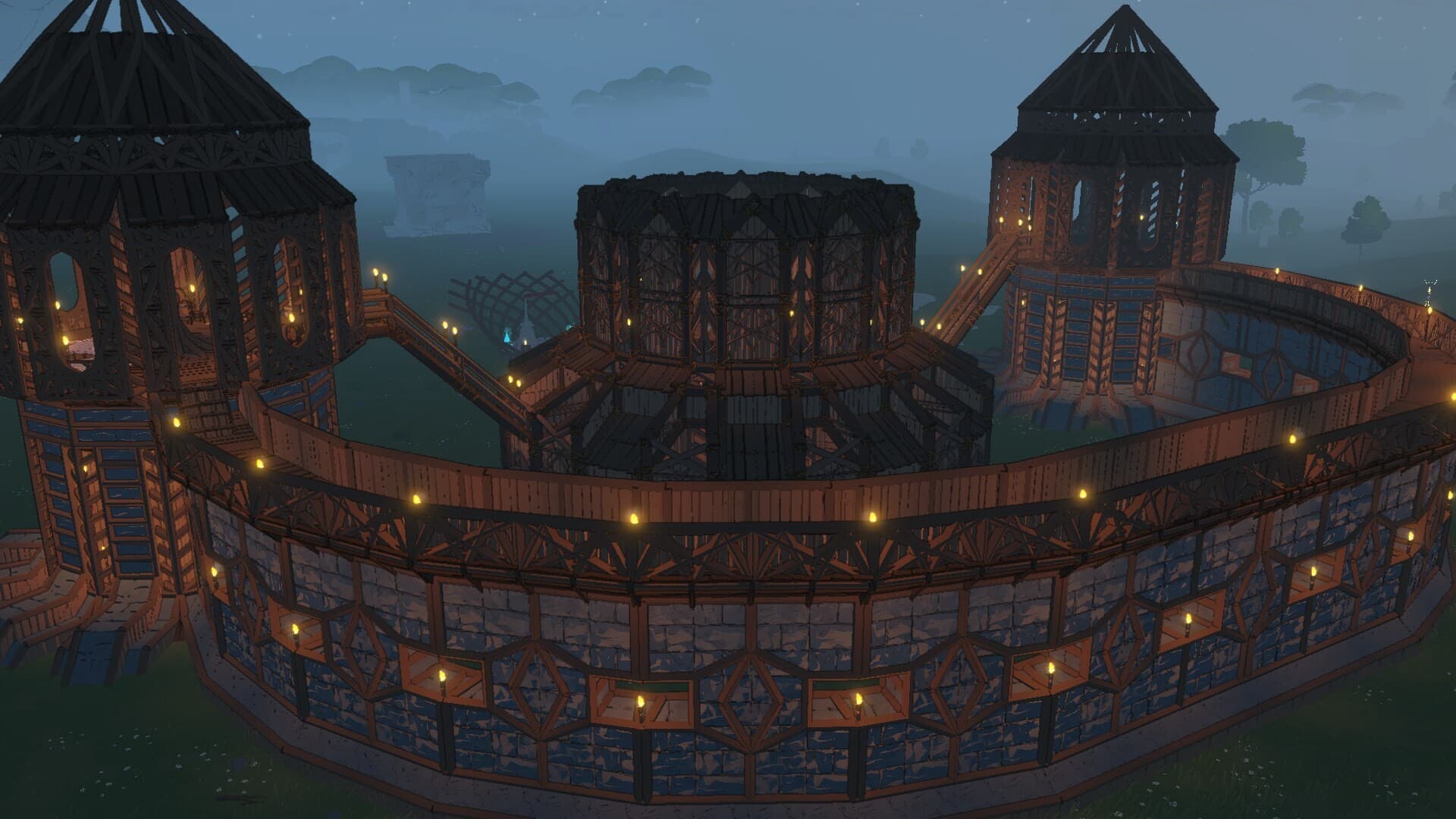
Recommended Setups
The right combination depends on how your group wants to play. Here are three setups we recommend:
- Relaxed building world: Combat Difficulty
Easy, Enemy Health Scale0.5to0.8, Death PenaltyKeepAll, Moving StormsOff, Pause When Empty on. - Classic co-op: Combat Difficulty
Normal, Enemy Health Scale1.0, Death PenaltyDropRecoverable, Moving StormsNormal, Pause When Empty on. - Hardcore: Combat Difficulty
Hard, Enemy Health Scale1.3to1.5, Death PenaltyLoseAll, Moving StormsNormal, Pause When Empty off.
Our advice: Start new groups with classic co-op. If it's too easy or too hard, adjust Combat Difficulty and Enemy Health Scale – you can do that in the middle of a running world too.
Frequently Asked Questions About Stormforge Servers
What settings does a Stormforge server have?
On a Stormforge server at xREALM, you set 8 options: World Name, World Seed, Combat Difficulty, Enemy Health Scale, Death Penalty, Moving Storms Difficulty, Pause When Empty and Auto Update.
Can I change the difficulty in a running world?
Yes. Combat difficulty, enemy health, death penalty and roaming storms also apply to existing worlds after a restart.
What happens if I change the seed?
Nothing happens to your existing world. The seed only takes effect when a new world is created.
Can I turn off storms in Stormforge?
Roaming storms, yes: set Moving Storms Difficulty to Off.
Do I lose my items when I die in Stormforge?
That depends on the death penalty: KeepAll keeps everything, with DropRecoverable you pick your items up again, and with LoseAll they're gone.
Does the world keep running when nobody is online?
Only if Pause When Empty is off. When it's on, the simulation pauses until someone connects.
Do I have to restart my server myself after updates?
No, not if Auto Update is on. The server then restarts automatically as soon as a new version is available.
Read More
- Stormforge Beginner Guide: How to Survive Your First Hours
- Stormforge Guide: Storms, Classes and Skills Explained
Images: Screenshots © Roboto Games, from the Stormforge Steam page.